
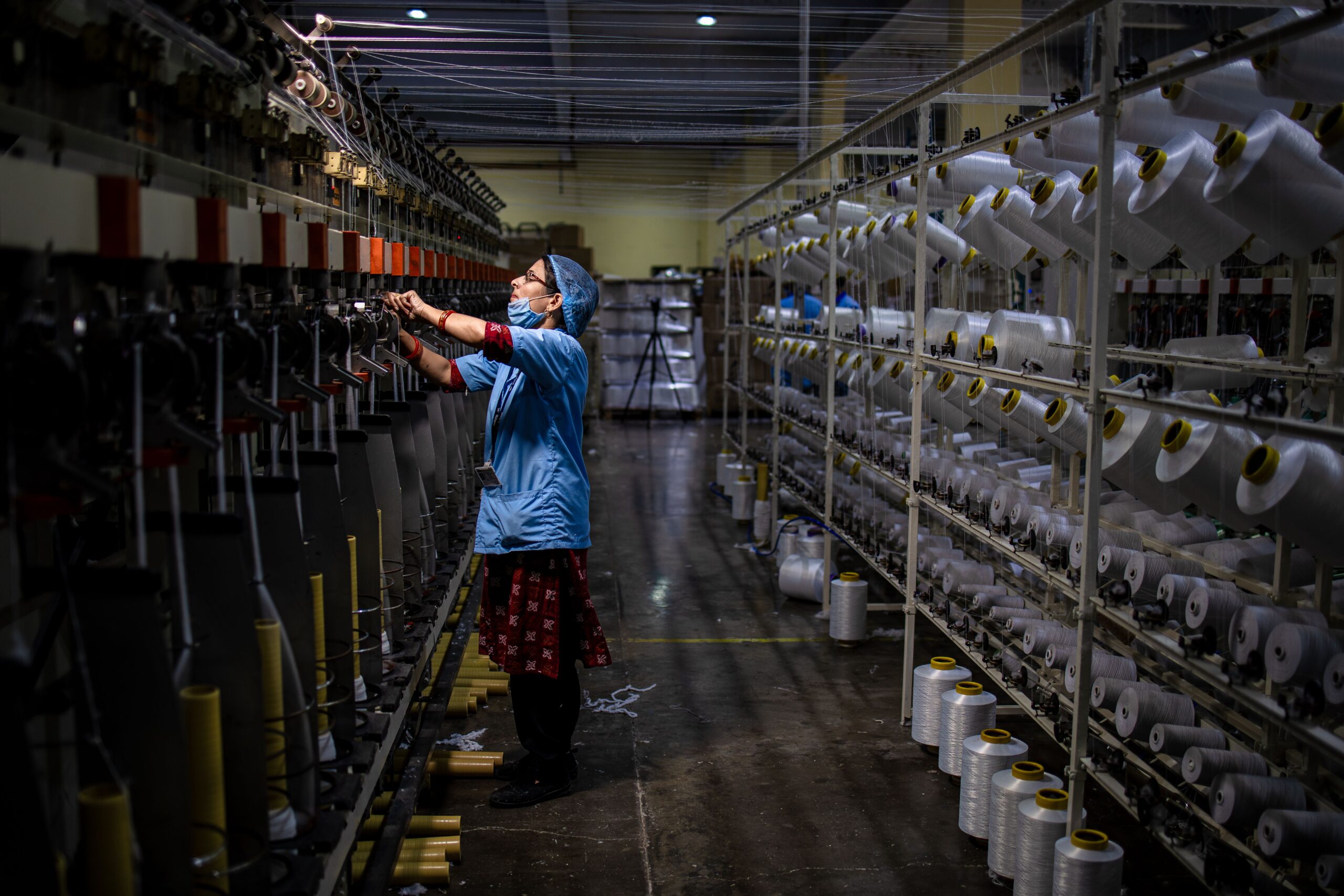
In today’s competitive manufacturing environment, companies need intelligent systems that streamline production, optimize inventory, reduce costs, and improve operational efficiency. This is where SAP PP (Production Planning) plays a critical role. As one of the core modules in SAP ERP and SAP S/4HANA, SAP PP helps organizations plan, execute, monitor, and optimize manufacturing processes from raw materials to finished goods.
Whether you’re an aspiring SAP consultant, production planner, manufacturing engineer, or ERP professional, learning SAP PP can significantly boost your career. Enrolling in a SAP PP course online equips professionals with industry-ready skills, while a SAP PP course in USA provides global exposure and access to enterprise-level implementation practices.
In this guide, we’ll explain the complete SAP PP manufacturing workflow, key master data, planning strategies, and why professionals worldwide are choosing CourseOne.ai for SAP PP training.
What is SAP PP?
SAP Production Planning (SAP PP) is an ERP module designed to manage manufacturing processes efficiently. It integrates with several SAP modules including:
- SAP MM (Materials Management)
- SAP SD (Sales & Distribution)
- SAP QM (Quality Management)
- SAP PM (Plant Maintenance)
- SAP WM/EWM (Warehouse Management)
- SAP FI/CO (Finance & Controlling)
SAP PP enables manufacturers to:
- Plan production requirements
- Manage bills of materials
- Schedule production orders
- Allocate machine and labor capacity
- Monitor shop floor execution
- Track production costs
- Improve delivery performance
Organizations across automotive, pharmaceuticals, aerospace, electronics, food processing, chemicals, textiles, and heavy engineering rely on SAP PP for manufacturing excellence.
SAP PP Manufacturing Workflow Explained
Understanding the complete manufacturing workflow is essential for every SAP consultant.
Step 1: Demand Management
Everything begins with demand.
Demand may originate from:
- Customer sales orders
- Forecasts
- Planned independent requirements (PIR)
- Material consumption history
SAP collects all demand and prepares the production planning process.
Step 2: Material Requirements Planning (MRP)
MRP is one of the most important functions within SAP PP.
MRP analyzes:
- Current inventory
- Open purchase orders
- Existing production orders
- Sales requirements
- Safety stock
- Lead times
The output includes:
- Planned Orders
- Purchase Requisitions
- Stock Transfer Requirements
MRP ensures materials are available before production starts.
Step 3: Bill of Materials (BOM)
A Bill of Materials defines every component needed to manufacture a finished product.
Example:
Laptop BOM
- Motherboard
- RAM
- Processor
- SSD
- Display
- Keyboard
- Battery
SAP explodes the BOM automatically during planning to determine raw material requirements.
Step 4: Work Centers
Work Centers represent production resources such as:
- Machines
- Assembly lines
- Welding stations
- Employees
- Production cells
Each Work Center stores:
- Capacity
- Operating time
- Cost center
- Scheduling formulas
- Available shifts
Work Centers help SAP calculate production duration and capacity utilization.
Step 5: Routing
Routing defines how the product will be manufactured.
It includes:
- Sequence of operations
- Machine assignments
- Setup time
- Machine time
- Labor time
- Inspection points
Example Routing:
Operation 10 → Cutting
↓
Operation 20 → Drilling
↓
Operation 30 → Assembly
↓
Operation 40 → Painting
↓
Operation 50 → Packaging
SAP uses routing to schedule production efficiently.
Step 6: Capacity Planning
Capacity Planning compares:
Required Capacity
vs
Available Capacity
If overload occurs, planners can:
- Shift production dates
- Reassign work centers
- Add shifts
- Outsource operations
This minimizes production bottlenecks.
Step 7: Planned Order Creation
After MRP execution, SAP generates Planned Orders.
Planned Orders represent future manufacturing requirements.
Production planners can:
- Modify quantities
- Change production dates
- Reschedule orders
- Convert to Production Orders
Step 8: Production Order
A Planned Order becomes a Production Order once manufacturing is approved.
Production Orders contain:
- BOM
- Routing
- Work Centers
- Scheduling
- Costs
- Material reservations
This document drives actual manufacturing activities.
Step 9: Material Issue
Warehouse personnel issue raw materials to production using Goods Issue transactions.
Inventory automatically decreases.
Accounting entries are simultaneously posted in SAP FI.
Step 10: Production Confirmation
Operators confirm production activities by recording:
- Quantity produced
- Machine time
- Labor time
- Scrap quantity
- Rework
- Downtime
SAP updates production progress in real time.
Step 11: Quality Inspection
If integrated with SAP QM, inspection lots are automatically generated.
Quality teams verify:
- Product dimensions
- Material quality
- Functional testing
- Compliance standards
Only approved products proceed to inventory.
Step 12: Goods Receipt
After production completion:
Finished goods are posted into inventory through Goods Receipt.
Benefits include:
- Inventory update
- Production completion
- Cost posting
- Stock availability for sales
Step 13: Order Settlement
Finally, SAP settles production costs to:
- Material
- Cost Centers
- Profitability Analysis
- Internal Orders
Managers can now evaluate production efficiency and profitability.
Important SAP PP Master Data
Successful production planning depends on accurate master data.
Core master data includes:
- Material Master
- Bill of Materials (BOM)
- Work Center
- Routing
- Production Version
- Production Resource Tools (PRT)
- Production Scheduling Profile
- MRP Controller
- Planning Strategy Group
Maintaining accurate master data ensures reliable production planning.
Integration with Other SAP Modules
SAP PP works seamlessly with other SAP solutions.
SAP MM
- Procurement of raw materials
- Inventory management
SAP SD
- Customer demand
- Sales order processing
SAP QM
- Inspection planning
- Quality control
SAP PM
- Equipment maintenance
- Preventive maintenance
SAP FI/CO
- Cost accounting
- Financial postings
- Product costing
This integration enables complete end-to-end manufacturing visibility.
Benefits of SAP PP
Organizations implementing SAP PP experience several advantages:
- Improved production planning
- Lower manufacturing costs
- Better inventory control
- Reduced production delays
- Higher machine utilization
- Accurate capacity planning
- Improved customer satisfaction
- Better production visibility
- Real-time analytics
- Optimized manufacturing workflows
These benefits explain why SAP PP professionals remain in high demand across global industries.
Career Opportunities After Learning SAP PP
Completing a SAP PP course online opens opportunities in manufacturing, consulting, and digital transformation projects.
Common job roles include:
- SAP PP Consultant
- SAP Functional Consultant
- Production Planner
- Manufacturing Analyst
- SAP Support Consultant
- SAP S/4HANA PP Consultant
- Solution Architect
- ERP Manufacturing Specialist
Professionals completing a SAP PP course in USA are particularly sought after by multinational organizations implementing SAP S/4HANA and Industry 4.0 initiatives.
Why Choose CourseOne.ai for SAP PP Training?
If you’re looking for a practical and career-focused SAP PP course online, CourseOne.ai offers comprehensive training designed for beginners and experienced professionals alike.
CourseOne.ai focuses on real-world manufacturing scenarios rather than only theoretical concepts. The curriculum includes master data configuration, Material Requirements Planning (MRP), Bills of Materials (BOM), Work Centers, Routing, Production Orders, Capacity Planning, Production Confirmation, integration with SAP MM, SAP SD, SAP QM, and SAP FI/CO, along with exposure to SAP S/4HANA Production Planning.
Learners benefit from:
- Live instructor-led online classes
- Industry-experienced SAP trainers
- Real-time projects and manufacturing use cases
- Hands-on SAP system practice
- Flexible weekday and weekend batches
- Interview preparation and resume guidance
- Recorded sessions for revision
- Global learner support
Whether you’re searching for a SAP PP course online from anywhere in the world or a SAP PP course in USA aligned with enterprise implementation standards, CourseOne.ai delivers practical, job-oriented training that helps learners build confidence and succeed in SAP careers.
Final Thoughts
SAP PP is the backbone of modern manufacturing organizations. From forecasting demand and planning raw materials to scheduling production orders, monitoring shop-floor activities, and settling production costs, SAP PP provides complete control over manufacturing operations.
As organizations continue adopting SAP S/4HANA and Industry 4.0 technologies, the demand for skilled SAP PP consultants continues to grow. Investing in a SAP PP course online is an excellent way to gain practical manufacturing knowledge and prepare for high-paying ERP careers. For professionals seeking globally relevant training, a SAP PP course in USA offers additional exposure to international business processes and enterprise implementations.
If you’re ready to start your SAP journey, CourseOne.ai provides expert-led SAP PP training with hands-on experience, real-world projects, and career guidance—helping you become a confident SAP Production Planning professional in today’s evolving manufacturing landscape.